No Bluetooth device found when binding the coop door?
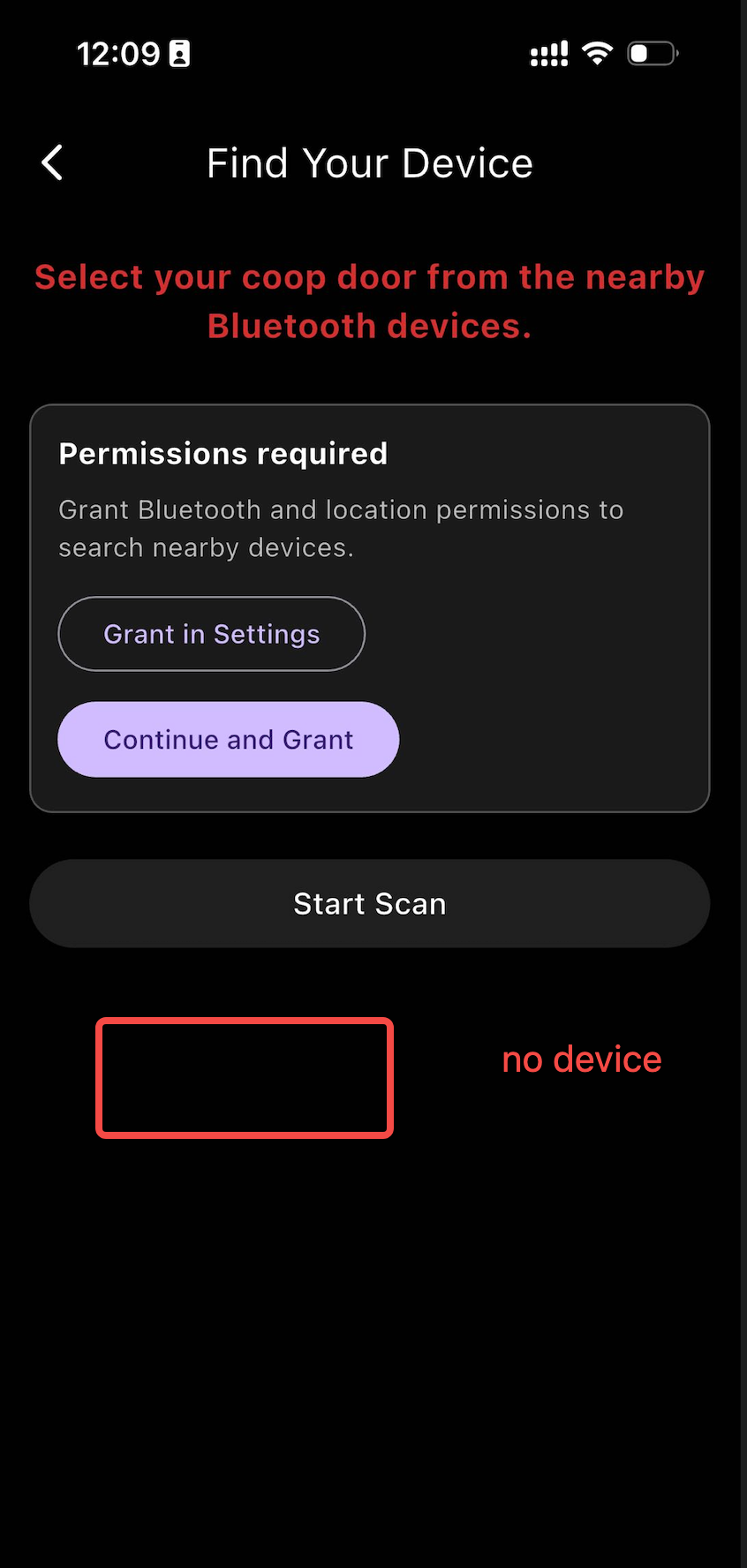
This usually happens on the Bluetooth device search page after you tap the plus icon, choose a device model, and pass the page that asks you to long press the Gear Button until the blue Wi-Fi LED flashes.
Please first look at the coop door panel again. The blue Wi-Fi indicator must be flashing quickly, about once per second. If it is not flashing quickly, long press the Gear Button again until it does, then return to the app and search again.
Make sure Bluetooth is turned on and that JJ Chicken has Bluetooth permission.
Also make sure JJ Chicken has Location permission. On some phones, Bluetooth scanning will not return nearby devices unless Location permission is allowed.